Enhance Your Power System Management with the Xantrex Freedom Remote Control
Monitoring and controlling your 24V inverter/charger setup has never been easier. Designed for off-grid enthusiasts, RV travelers, and marine adventurers, this remote control panel provides real-time insights into your system’s performance, allowing you to stay ahead of power issues without constantly checking the main unit. Whether you’re boondocking in remote locations or navigating choppy waters, it delivers essential status updates at a glance.
Key Features for Reliable Operation
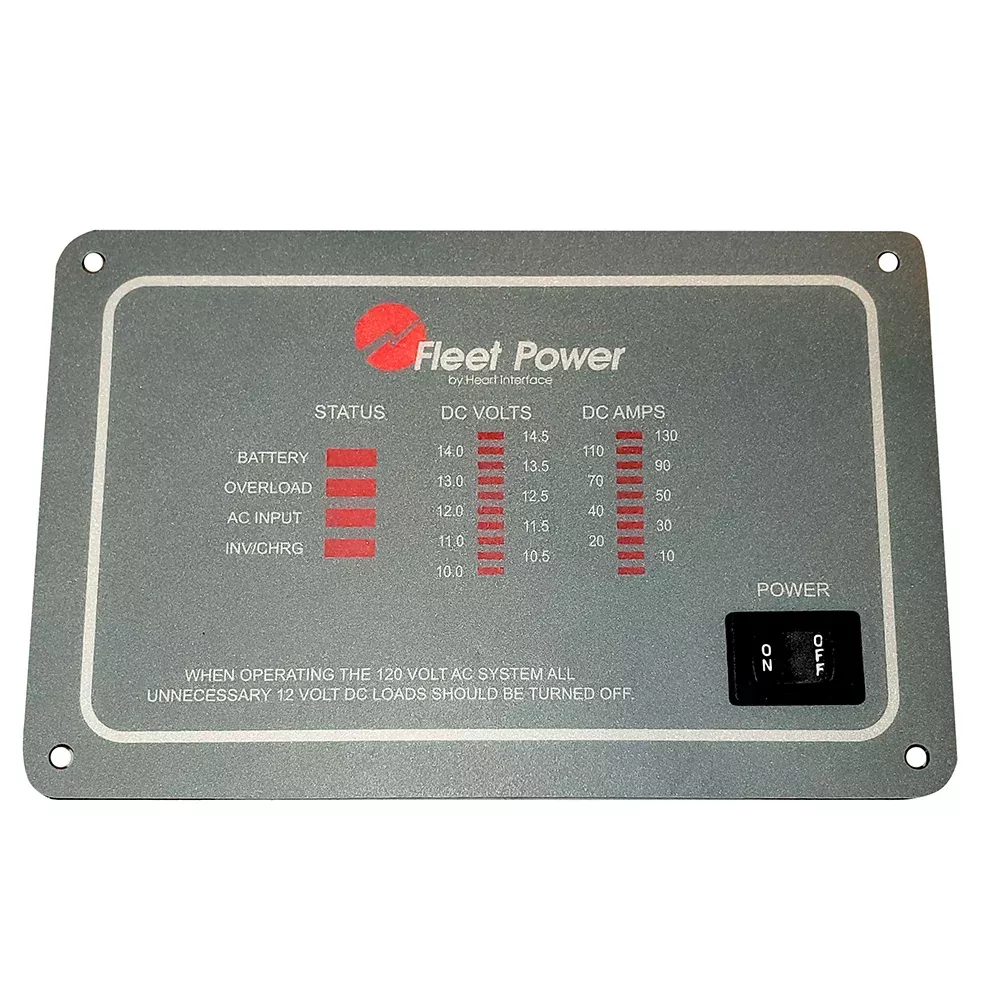
Intuitive LED Display: Clear indicators for inverter status, charger mode, battery voltage, AC input/output, and alarms—perfect for quick assessments in low-light conditions.
On/Off Control: Remotely enable or disable the inverter/charger to conserve energy or respond to faults instantly.
Compact Design: Sleek, flush-mount panel that integrates seamlessly into dashboards, bulkheads, or control centers.
24V Compatibility: Optimized for Freedom series inverter/chargers in 24-volt DC systems, ensuring precise communication.
Durable Build: Rugged construction withstands vibrations, humidity, and temperature swings common in mobile applications.
Why This Remote Panel Stands Out for Power Users
Unlike basic switches, this remote offers actionable intelligence. Imagine waking up in your RV to see battery levels dropping—switch to shore power or generator mode effortlessly. In marine setups, monitor loads during long passages to avoid deep discharges. Users report fewer surprises, extended battery life, and peace of mind, as it flags overloads, over-temps, or low voltage before they escalate. Its plug-and-play wiring minimizes downtime, making it a favorite among solar installers and custom van builders.
Seamless Compatibility with Freedom Series
Engineered for Xantrex Freedom inverter/chargers, it pairs flawlessly with models handling 24V inputs. Common pairings include systems powering high-draw appliances like air conditioners, microwaves, or refrigeration. Verify your unit’s remote port matches the standard RJ11 or proprietary connector for plug-in simplicity. It’s also ideal for multi-unit setups, providing centralized oversight.
Step-by-Step Installation Tips
Plan Placement: Choose a visible, accessible spot away from moisture and direct sunlight.
Power Down: Disconnect all power sources to the inverter/charger for safety.
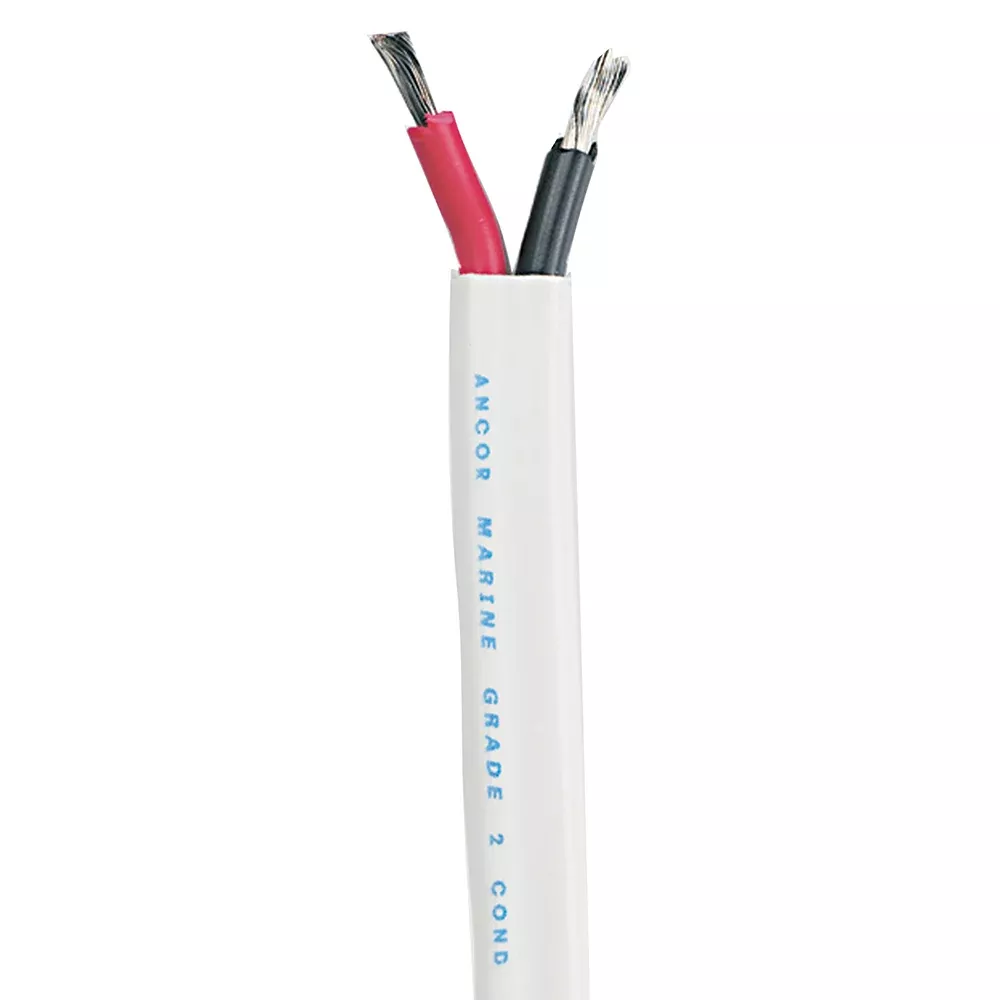
Run Cabling: Use included or shielded CAT5 cable (up to 30 meters) from the remote port on the inverter/charger to your panel location.
Mount Securely: Cut a precise hole per the template, secure with screws, and connect the cable.
Test Thoroughly: Power up, cycle through modes, and confirm all LEDs respond accurately.
Pro tip: Label wires and use zip ties for a clean, professional install that withstands road vibrations.
Daily Usage and Troubleshooting Advice
Power on your system and watch the panel light up with status icons. Green for normal, yellow for warnings, red for faults. Common reads include “Bulk Charge” during generator runs or “Inverter On” with 120V AC output. If an alarm blinks, check battery connections first—loose terminals cause 40% of issues. Reset by powering off/on; persistent problems may indicate fuse checks or ventilation needs.
For longevity, avoid exposing to corrosive environments without sealing, and clean contacts annually with electrical spray.
WARNING: This product can expose you to chemicals including Diisononyl Phthalate (DINP) which is known to the State of California to cause cancer, and Di-isodecyl Phthalate (DIDP) which is known to the State of California to cause reproductive harm. For more information go to P65Warnings.ca.gov.