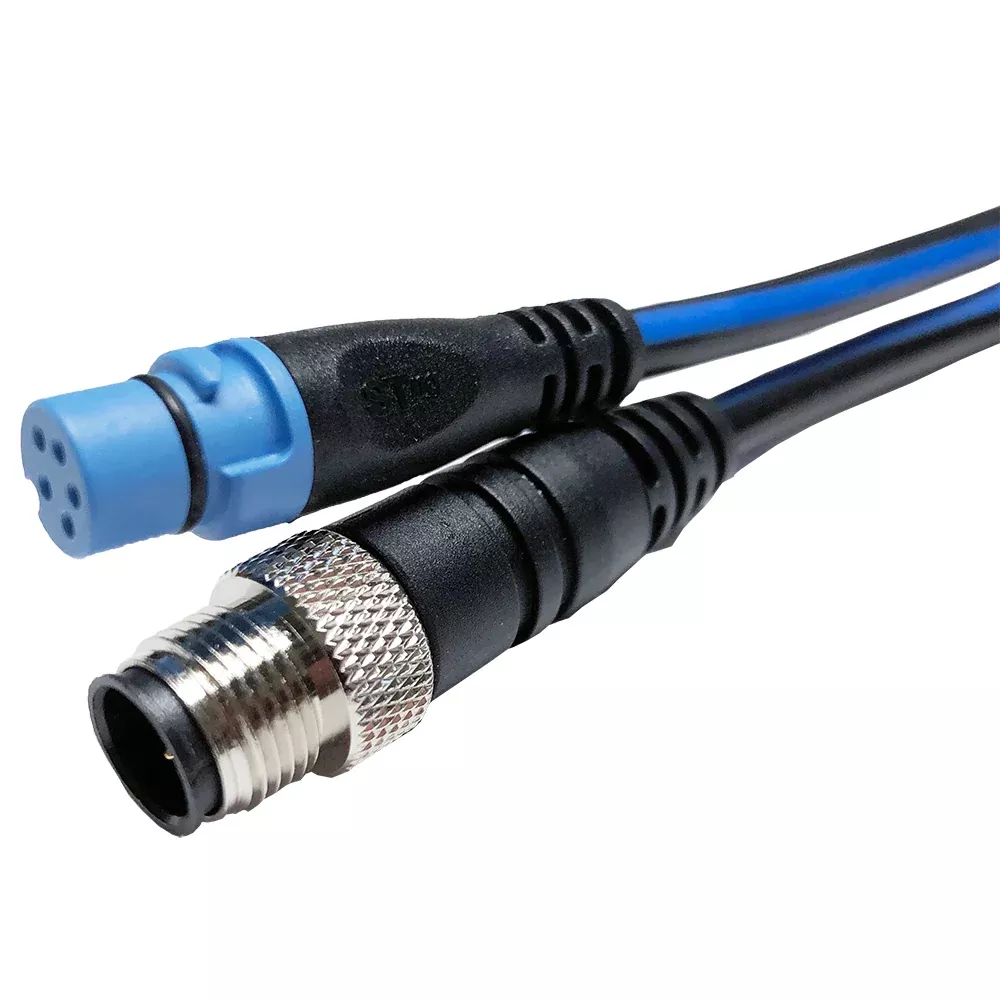
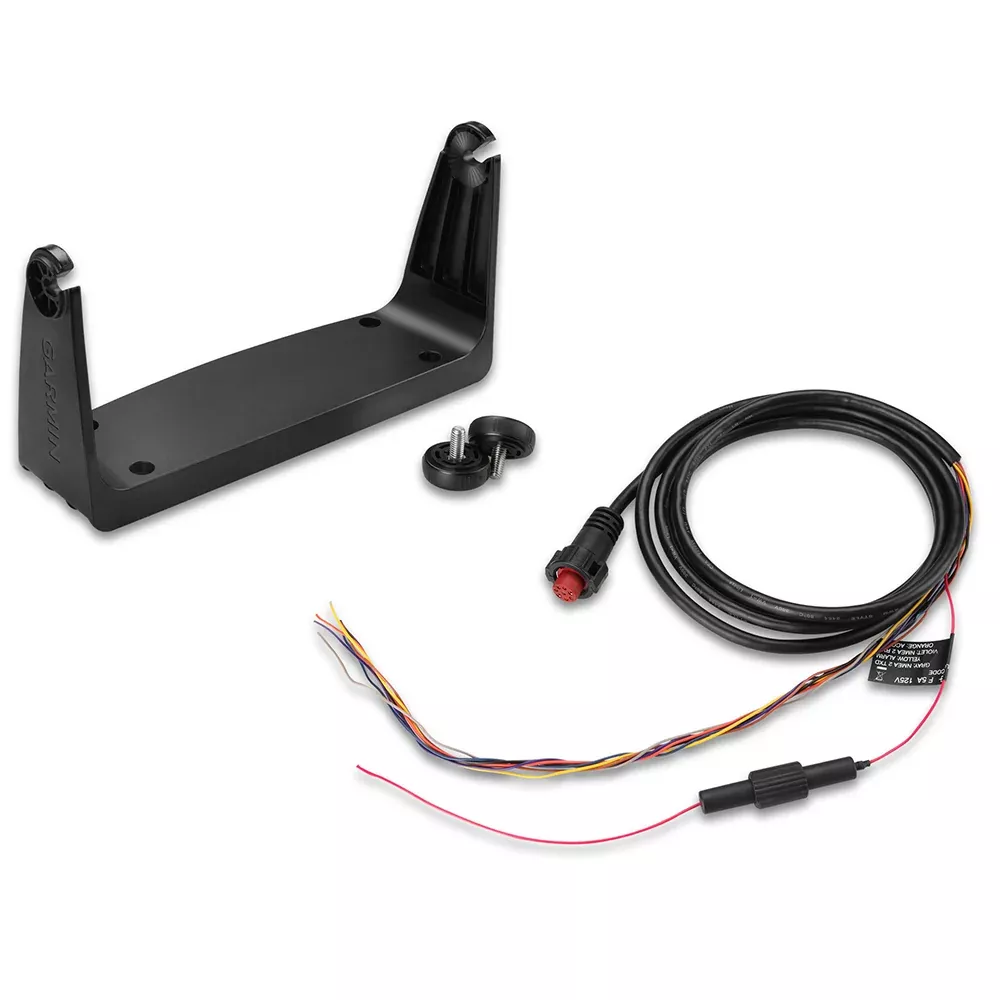
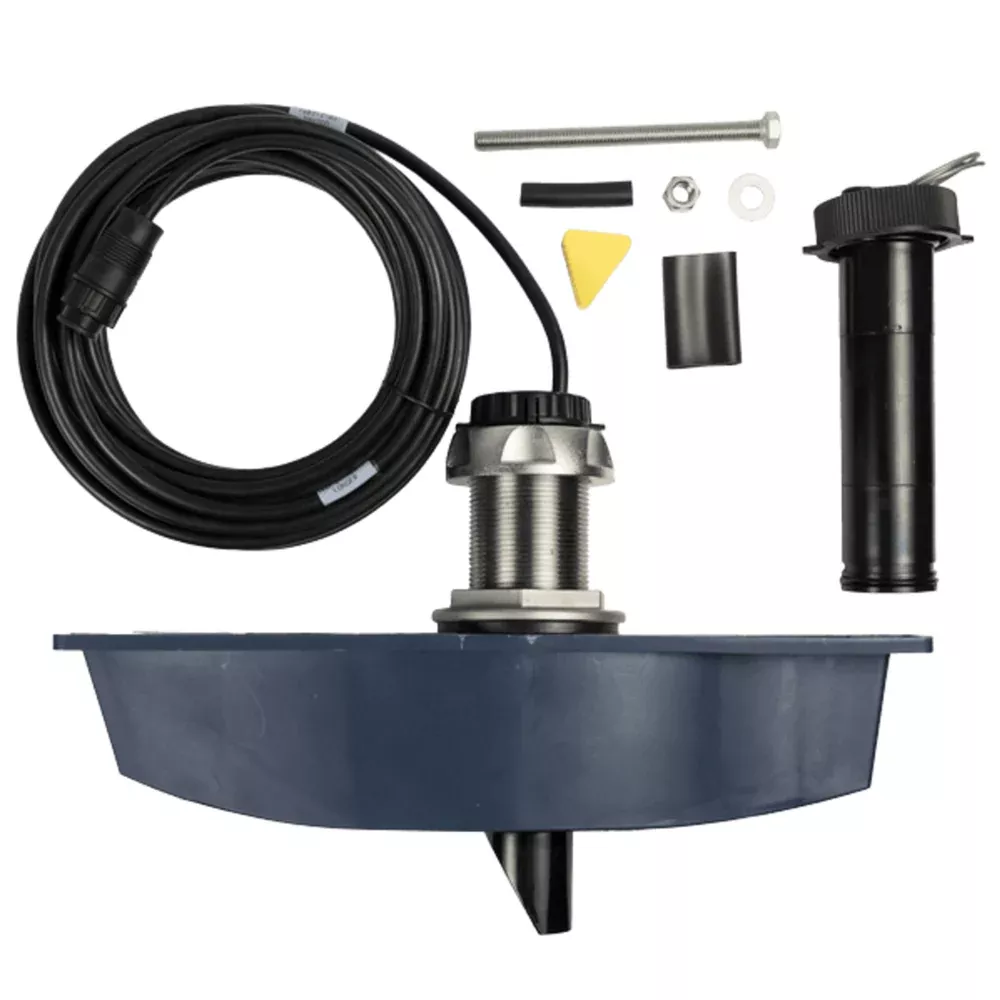
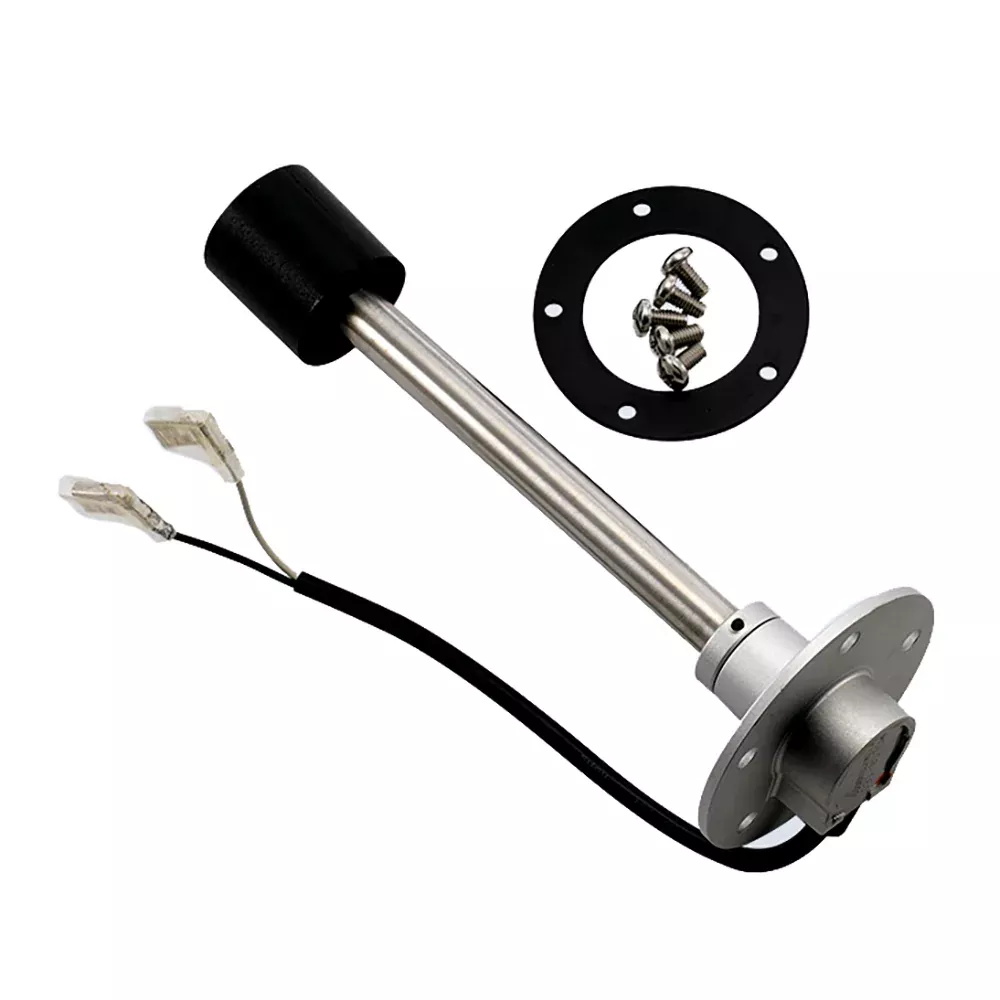
Enhance your vessel’s instrumentation setup with the Raymarine ST-Ng to DeviceNet Male adapter cable. This compact 400mm backbone cable bridges the gap between Raymarine’s SeaTalkng network and DeviceNet systems, ensuring seamless data exchange for multifunction displays, autopilots, and sensors. Whether you’re upgrading an older DeviceNet-compatible chartplotter or integrating third-party gear, this adapter delivers reliable connectivity without the hassle of custom wiring.
Key Features and Build Quality
Precise Length: At 400mm, it’s ideal for tight console spaces, minimizing clutter while providing just enough reach for clean installations.
Robust Construction: Marine-grade materials withstand harsh saltwater environments, UV exposure, and vibration from rough seas.
Plug-and-Play Design: Features a male DeviceNet connector on one end and SeaTalkng backbone termination on the other, supporting drop cables and T-joints for expanded networks.
Protocol Compatibility: Translates SeaTalkng (NMEA 2000-based) signals to DeviceNet, enabling shared data like GPS position, heading, depth, and speed across devices.
Perfect for Real-World Marine Applications
Boat owners and professionals alike rely on this adapter for mixed-system fleets. Imagine syncing your Raymarine Axiom plotter with a legacy DeviceNet engine monitor or fishfinder—suddenly, throttle data, fuel levels, and navigation overlays appear in one unified interface. It’s a game-changer for offshore fishing trips, commercial charters, or coastal cruising where every bit of sensor info counts.
From my experience troubleshooting marine networks, the most common pain point is incompatible cabling leading to intermittent dropouts. This adapter eliminates that by maintaining signal integrity over short runs, reducing latency that could affect autopilot performance or radar overlays.
Installation Best Practices
Getting it right the first time saves hours on the water. Start by powering down all devices. Connect the SeaTalkng end to your backbone spur (using a 0.4m or 1m spur cable if needed), then plug the male DeviceNet into your target device. Secure with cable ties away from high-heat sources like engines. Test the network with Raymarine’s diagnostic tools to verify baud rates match (typically 250 kbps).
Pro Tips for Longevity:
Apply dielectric grease to connectors for corrosion resistance.
Avoid sharp bends—minimum radius is 50mm to prevent wire fatigue.
In multi-drop setups, ensure terminators are only at network ends.